
Start here
First complete dub
A complete first-session Voxalike guide covering Dub Packs, Mic Check, recording, retrying, results, and safe video export.
6 min readReviewed for v1.4.5
Play Voxalike for free in your browser, test your mic, and turn short scenes into funny solo or multiplayer dubs. The guides below stay focused on the next action you need.

Allow microphone access when the game asks. Headphones keep the scene audio out of your recording.
Opening game stage
Game access powered by ZapGames. Voxalike and its media remain the property of their respective owners.
Set up once, then the play loop is simply listen, record, replay, and keep the take.
Open the complete walkthroughSubscribe to a scene in Workshop, then open Mods and wait until its files finish installing in this browser.
Open Settings, choose the real microphone, speak at your normal performance volume, and apply the result.
Listen for the timing, record your version, replay it, and retry before continuing when the take is off.
Finish the pack, let the result render, then replay or download the completed dub before leaving the session.
A complete first-session Voxalike guide covering Dub Packs, Mic Check, recording, retrying, results, and safe video export.
Set up Voxalike private rooms, choose Co-op or PVP, sync Dub Packs, Ready Up, recover stuck lines, and save multiplayer results.
Fix silent Mic Check, wrong input selection, clipping, noisy recordings, interrupted takes, and browser microphone permissions in Voxalike.
Learn how Voxalike Workshop subscriptions, browser installs, local ZIP imports, updates, pack previews, and multiplayer mod syncing work.
Voxalike is a free browser-based voice-dubbing party game. Instead of typing replacement dialogue, you perform it into a microphone. The game places your recorded lines back into a scene, scores solo and competitive runs, supports shared co-op dubs, and can export finished performances as regular or vertical video. Community Dub Mods supply new scenes, roles, captions, and timing data, so the Workshop is part library and part creator platform.
Your timing, delivery, volume, and improvisation are the controls. Replay and retry let you shape a take before it becomes part of the scene.
Practice alone, build one shared dub in Co-op, or compare performances in PVP with private room codes and host-controlled packs.
Browse Dub Mods, subscribe to compatible packs, and manage installed scenes in the browser. Creators can also publish their own packs.
Replay a finished dub, save available audio or video exports, and create vertical results designed for short-form sharing.
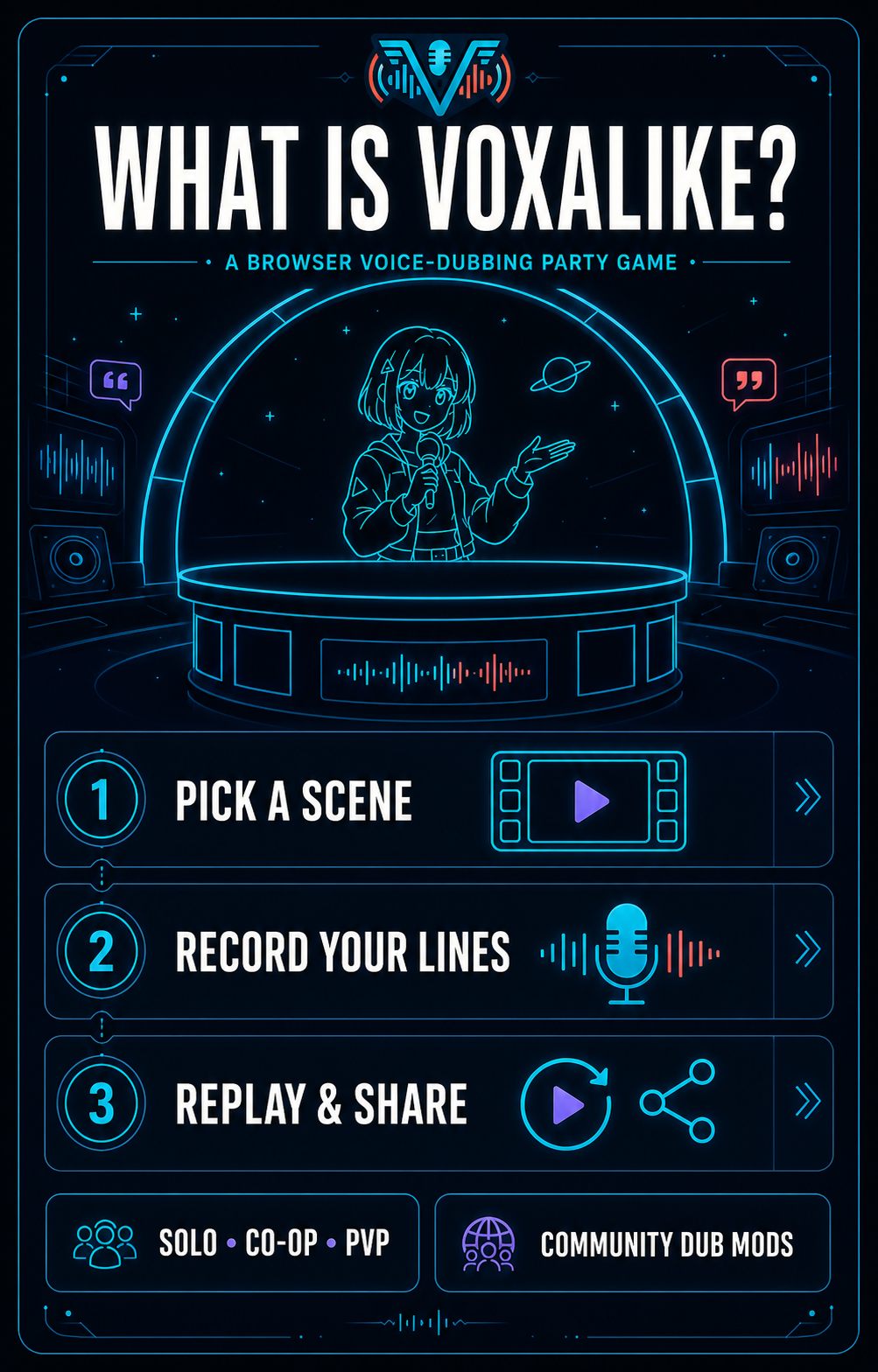
A full first-session gameplay video showing the menu, pack flow, recordings, retries, and the rhythm of a complete Voxalike run.
A follow-up community session useful for seeing how repeat runs change once the recording loop and timing feel familiar.
Start with a short Dub Pack in Single Player. This isolates microphone, timing, replay, and export before multiplayer adds pack syncing and room state.
Keep headphones on and speak at a consistent distance. Clean audio makes timing feedback easier to understand and prevents the original scene from returning through the mic.
Treat Retry as part of play, not a failure. The funny finished dub usually comes from one clear setup take followed by more confident, exaggerated performances.
Download the finished result while it is visible. Browser storage and recent multiplayer recovery help with interruptions, but they are not a permanent media library.
Explore a handpicked mix of action, sports, music, clicker, and adventure games.

Unpredictable physics, flying props, and comical arena interactions.
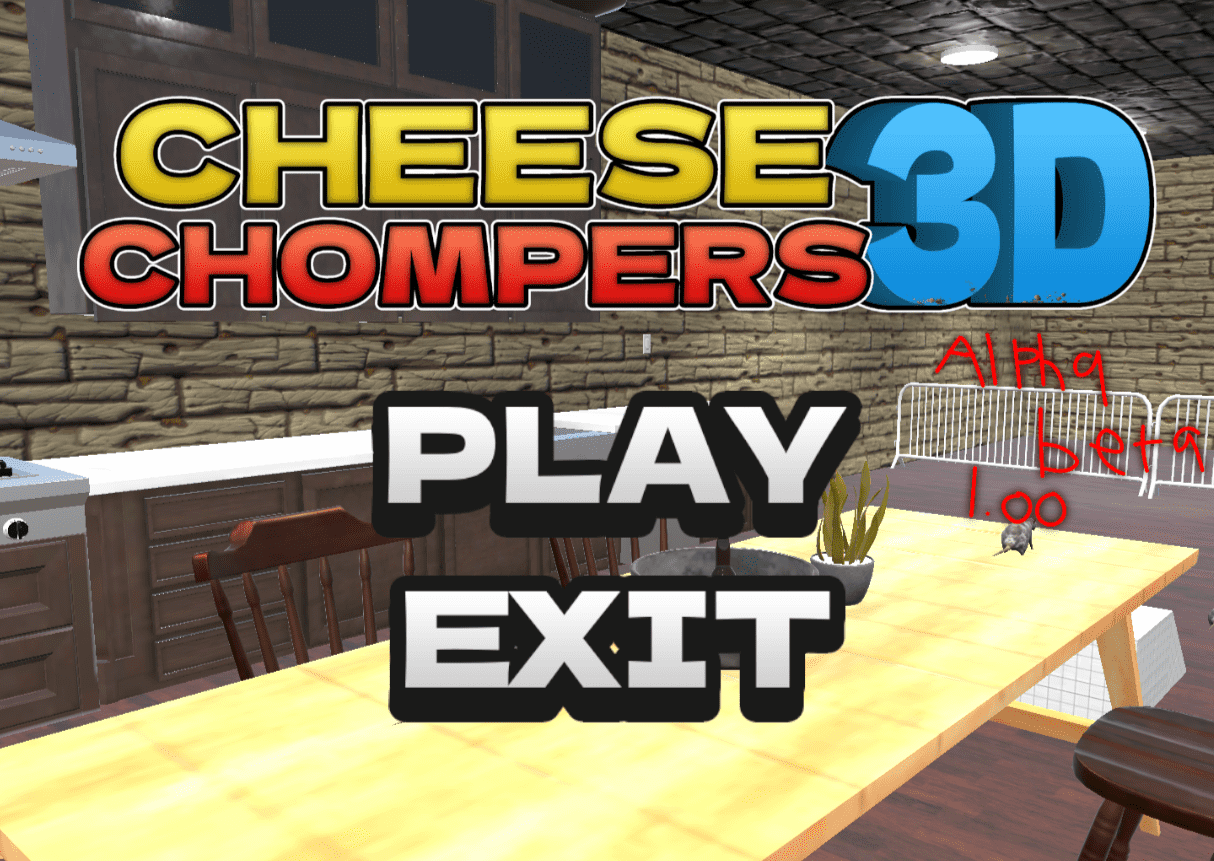
Control a goofy rat and knock rivals out of a hectic 3D arena.
Tap through escalating meme chaos in a fast, browser-based clicker.
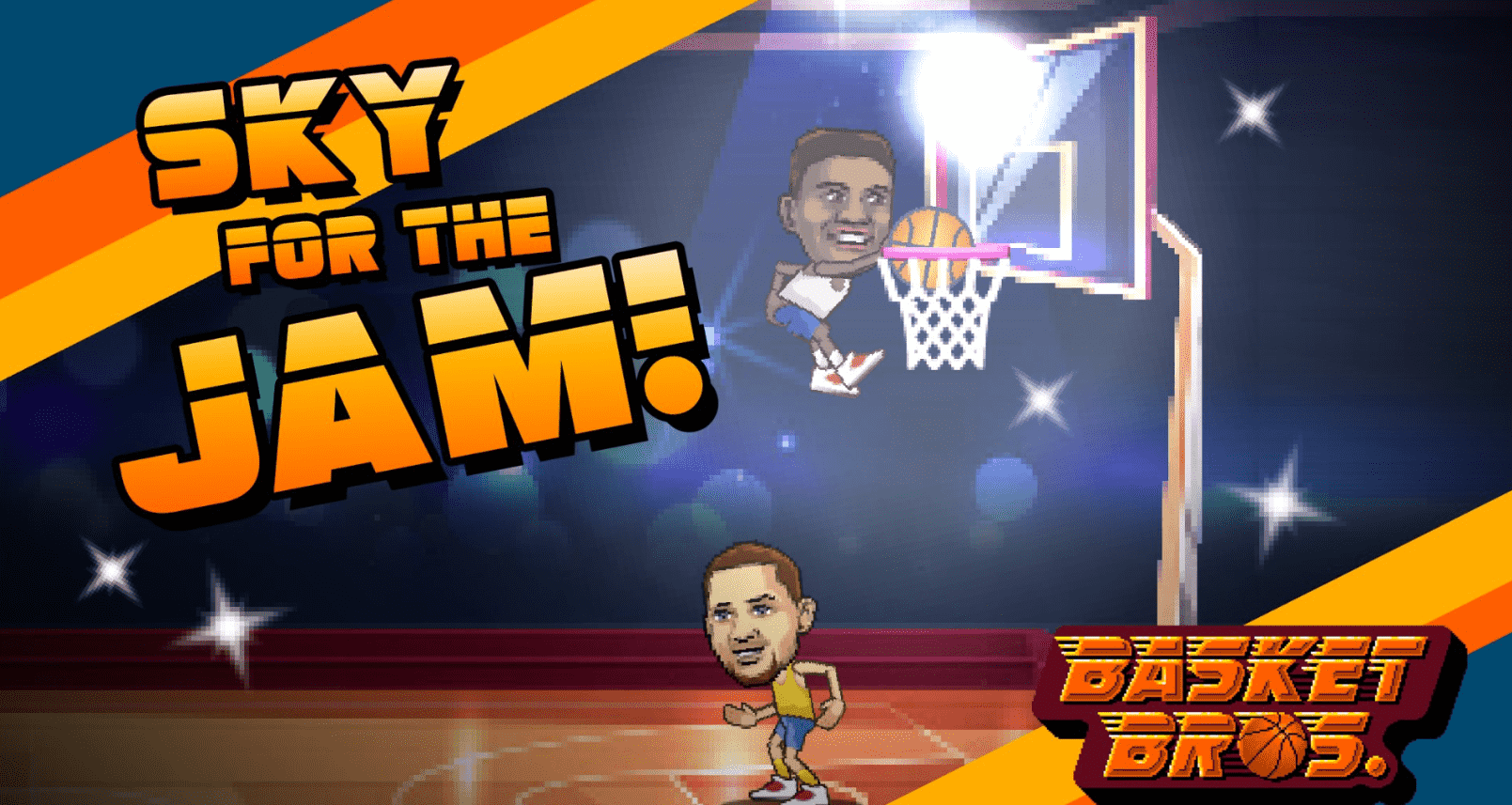
Quick arcade basketball matches with simple controls and big plays.

A fan-made Emerald adventure with new encounters and a tougher journey.
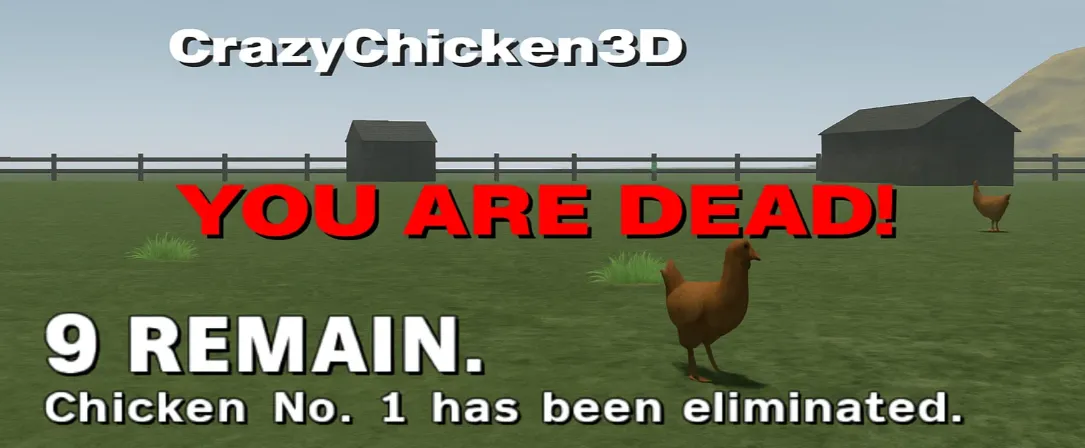
A chaotic chicken enters a physics arena full of bumps, jumps, and knockouts.
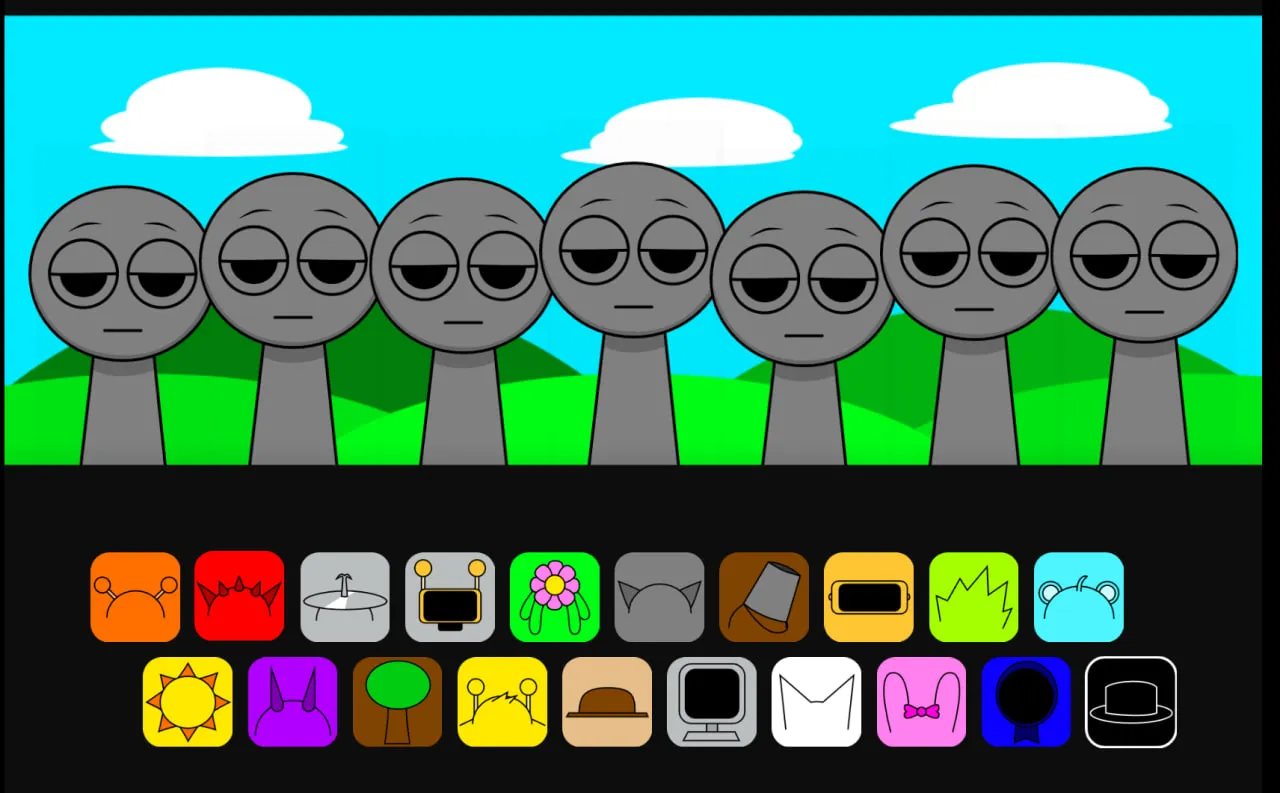
Drag characters into place and assemble a playful layered beat.